Changing your dashboard language
Set the language the PinotQR app is displayed in.
You can change the language the PinotQR app is shown in.
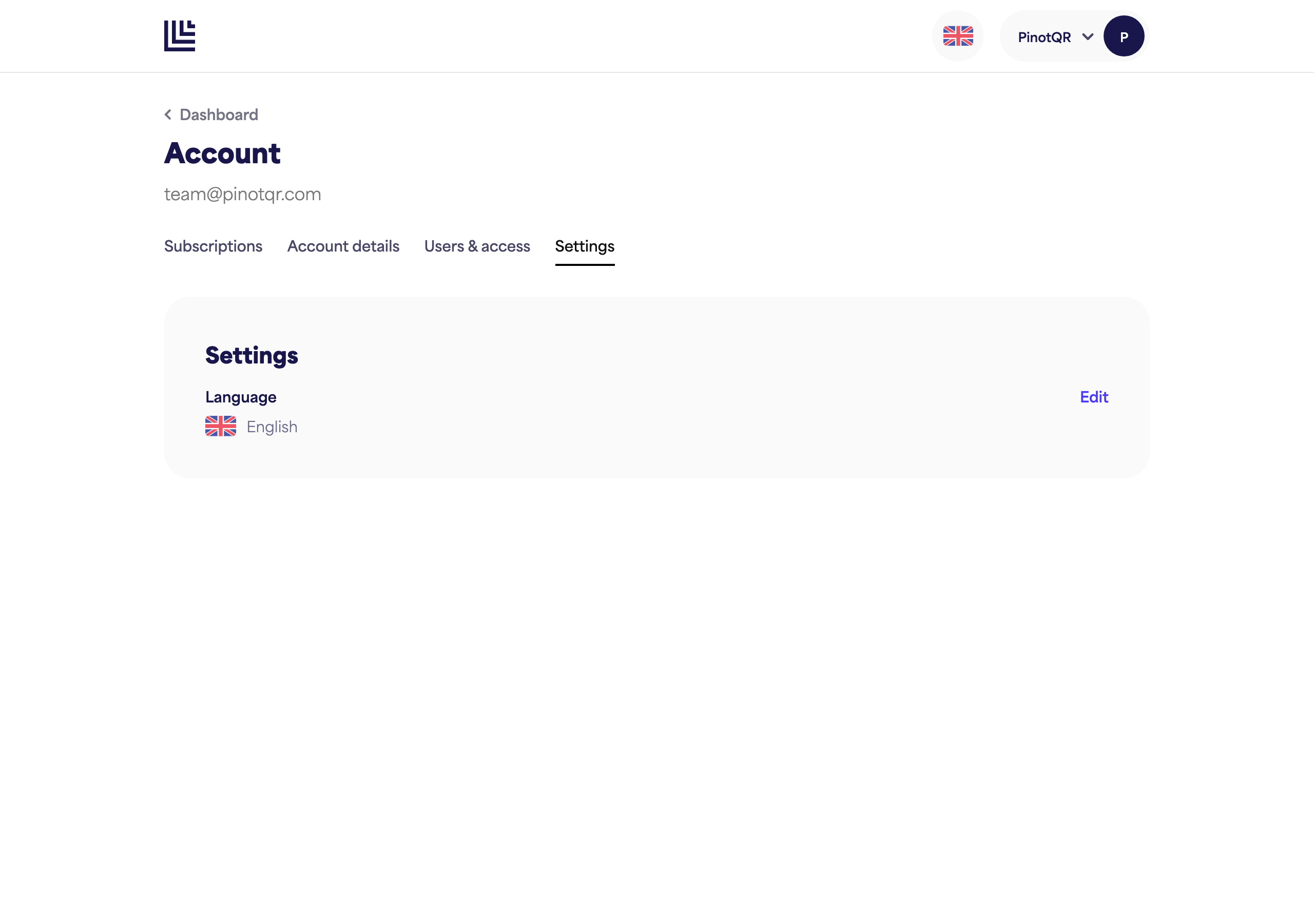
- Go to Settings.
- Next to Language, click Edit.
- Choose your preferred language.
You can also click the flag icon in the app header at any time to switch language.
This is separate from your e-labels
Your dashboard language only changes what you see in the app. Your e-labels are shown to customers automatically in their own language — that’s handled for you and isn’t affected by this setting. See what is an e-label? for more on customer-facing languages.