Updating your account details
Change your name, email address, and password.
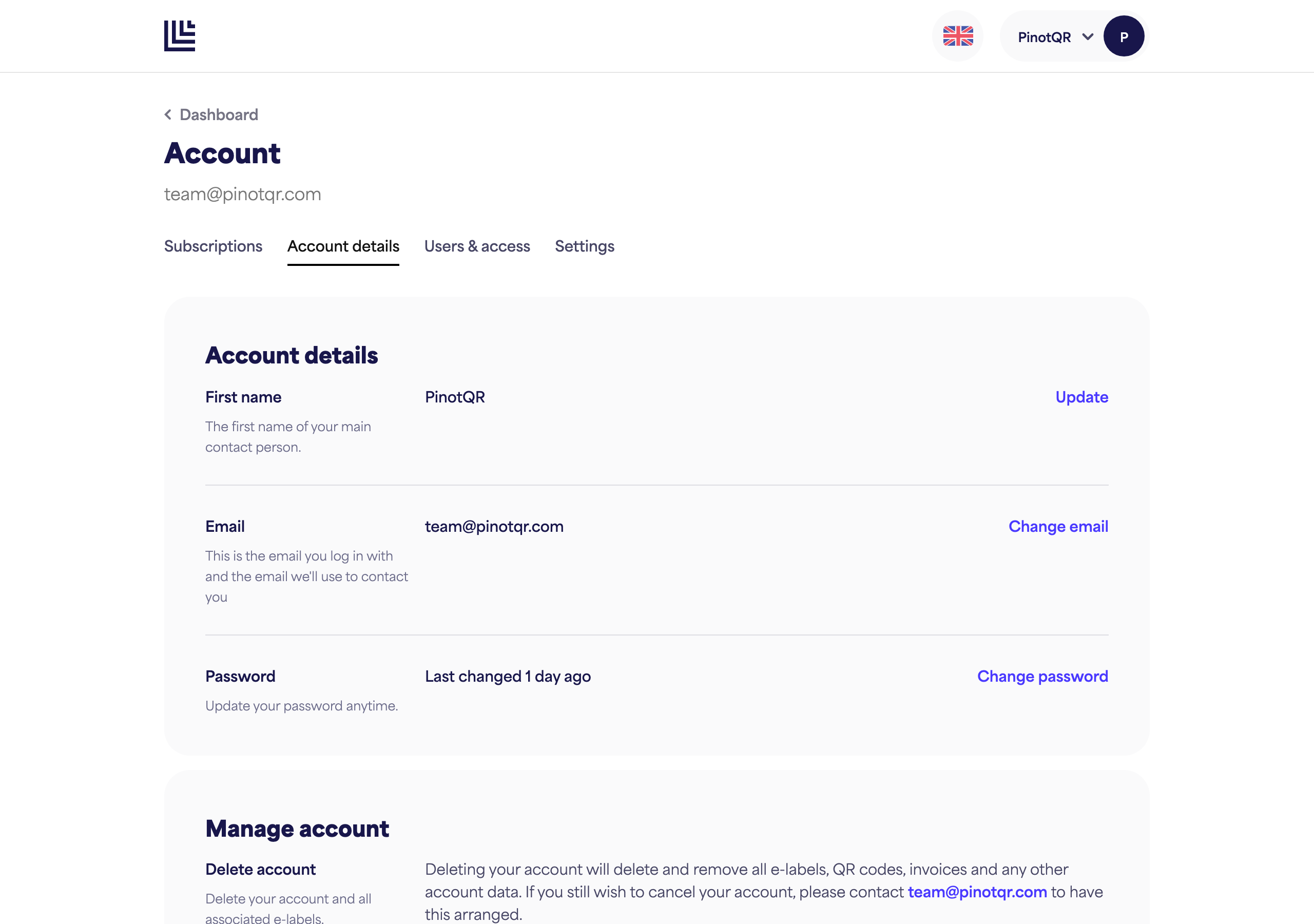
Your personal details live on the Account details page.
Change your name
- Go to Account details.
- Edit your First name.
- Click Update.
Change your email
Your email is what you log in with and how we contact you, so changing it requires confirmation.
- On Account details, click Change email and enter the new address.
- We send a confirmation link to the new address — open it to confirm the change.
- Until you confirm, the change is pending. You can resend the confirmation email or cancel the change.
Change your password
- On Account details, click Change password.
- Follow the steps to set a new password.
The page shows when your password was last changed. If you’ve forgotten your current password, use the reset flow instead.