Payments and invoices
Update your payment method and download your invoices.
Your billing details live in your account’s Subscription area.
Payment method
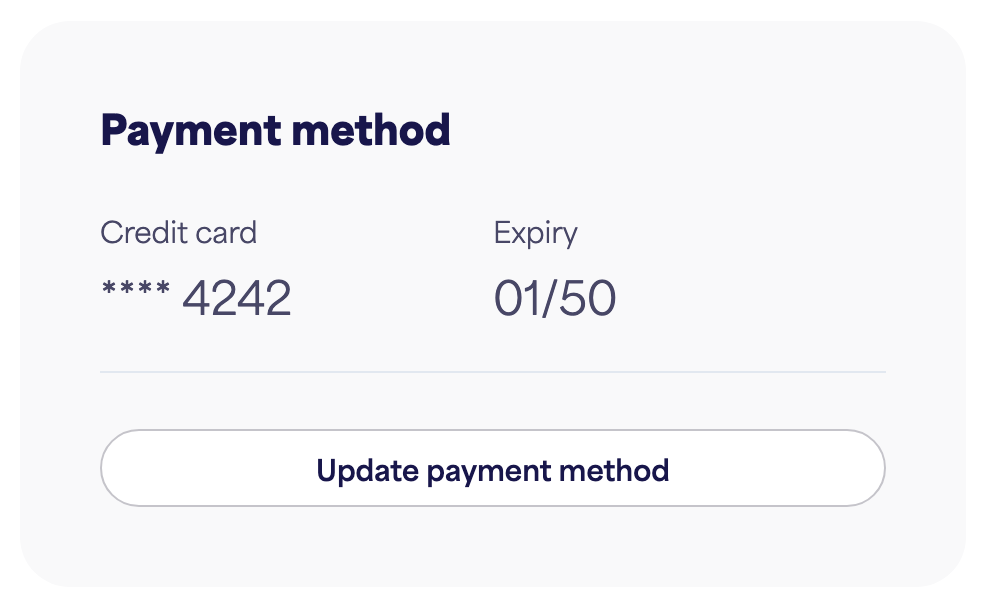
The Payment method section shows the credit card on file and its expiry.
- To change it, click Update payment method and follow the steps.
Invoices
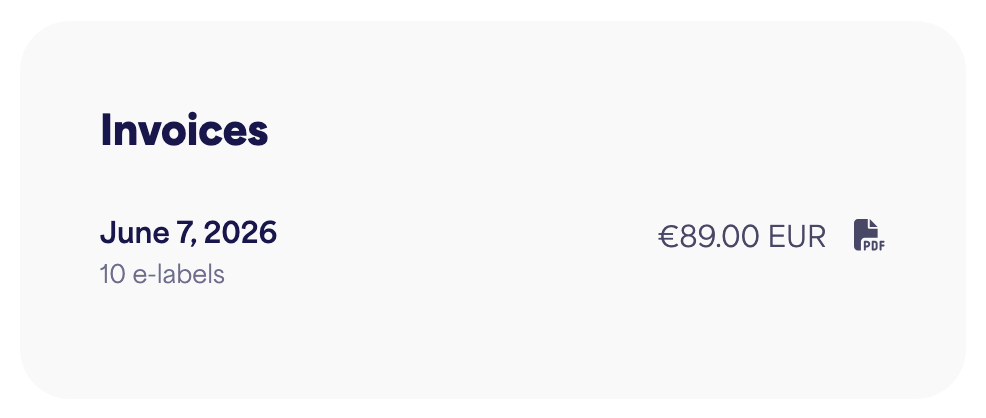
The Invoices section lists your past payments with the date and amount.
- Click Download next to an invoice to save it.
Invoices appear here once you’re on a paid plan.