Cancelling and resuming your subscription
How to cancel your plan, what happens afterwards, and how to resume.
You can cancel your subscription whenever you like, and resume it before it ends.
Cancel
- Go to your account’s Subscription area and open Manage subscription.
- Choose Cancel subscription and confirm.
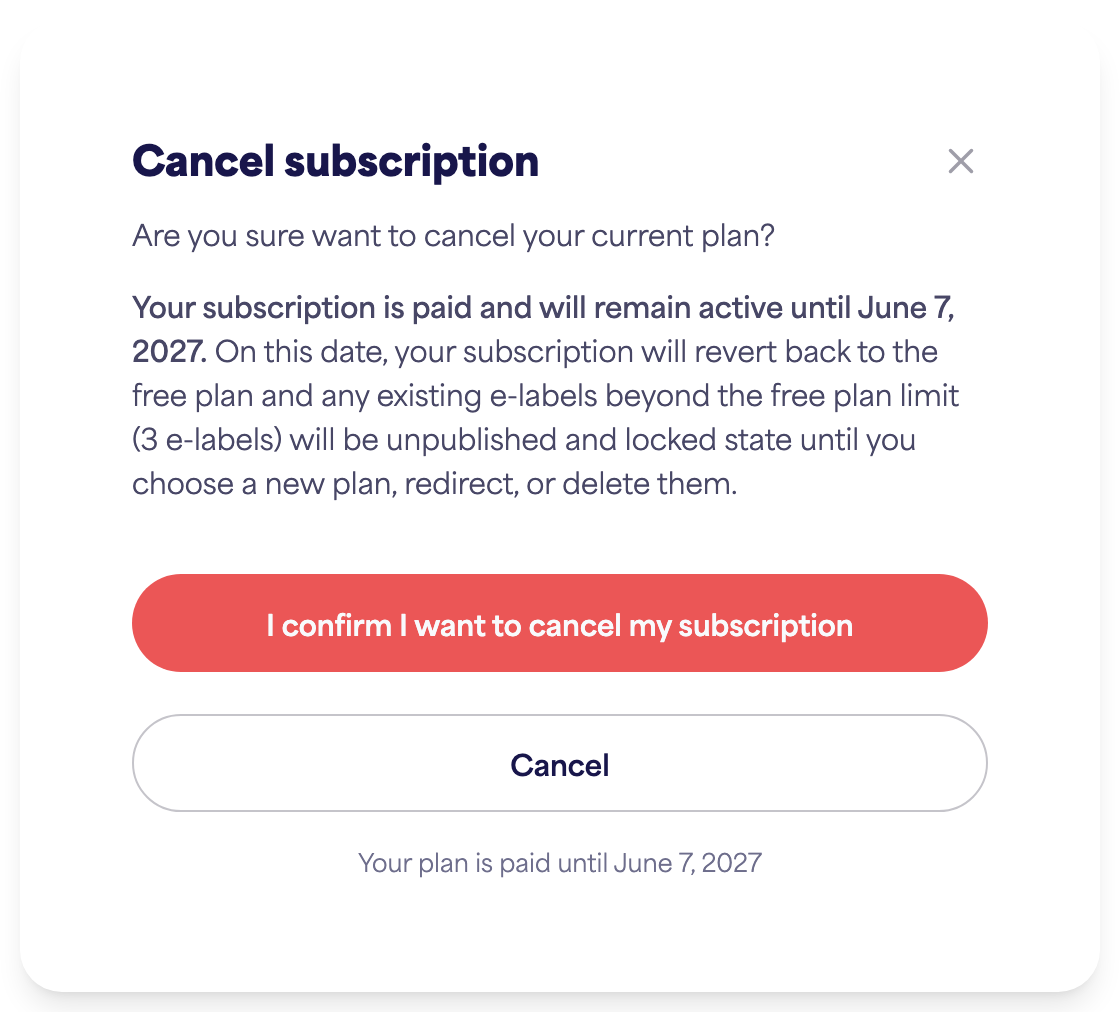
Your subscription stays active until the end of your current billing period — you keep your paid features until then. After that date, your account returns to the free plan.
What happens after it ends
When you drop to the free plan, anything over the free limits becomes locked:
- E-labels beyond the free limit are locked (newest first) and stop being scannable.
- The same applies to extra brands and team members.
Re-subscribing restores access and unlocks your labels (oldest first) as capacity returns.
Resume
If you cancelled but the period hasn’t ended yet, you can resume your subscription from the same Subscription area to keep it going without interruption.