Downloading your QR code
Download your e-label's QR code in the right format for print or digital use.
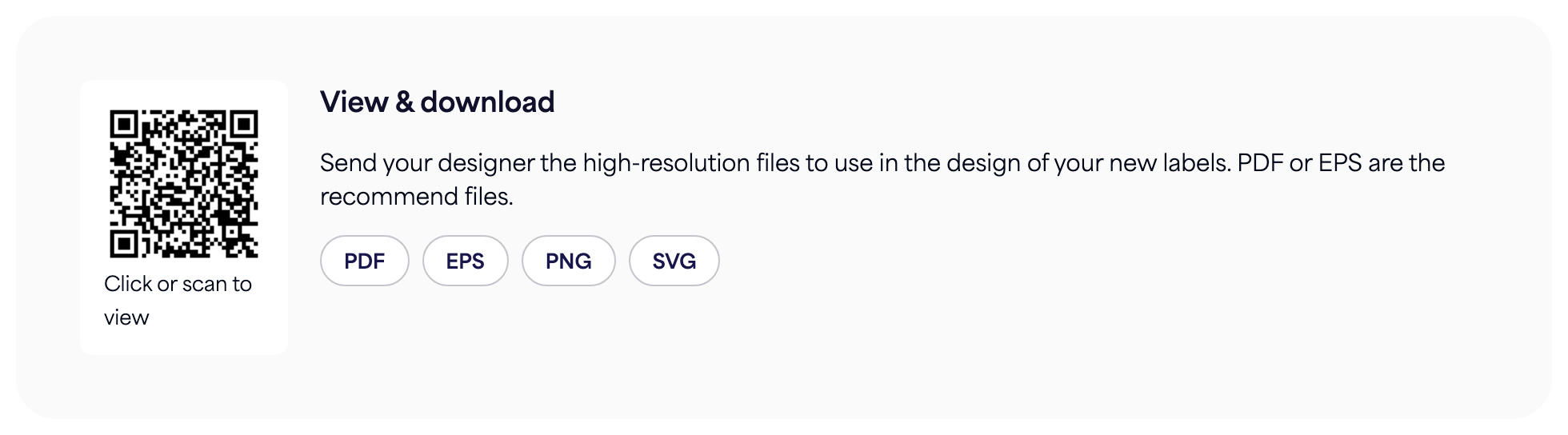
Every e-label has its own QR code, ready to download as soon as the e-label is created. You can download it from the e-label page, or from the confirmation shown right after you create it.
Download the QR code
- Open the e-label from your brand page.
- Find the QR Code section.
- Click the format you need: PDF, EPS, PNG, or SVG.