Adding ingredients
Select the ingredients used to make your wine, organised by category.
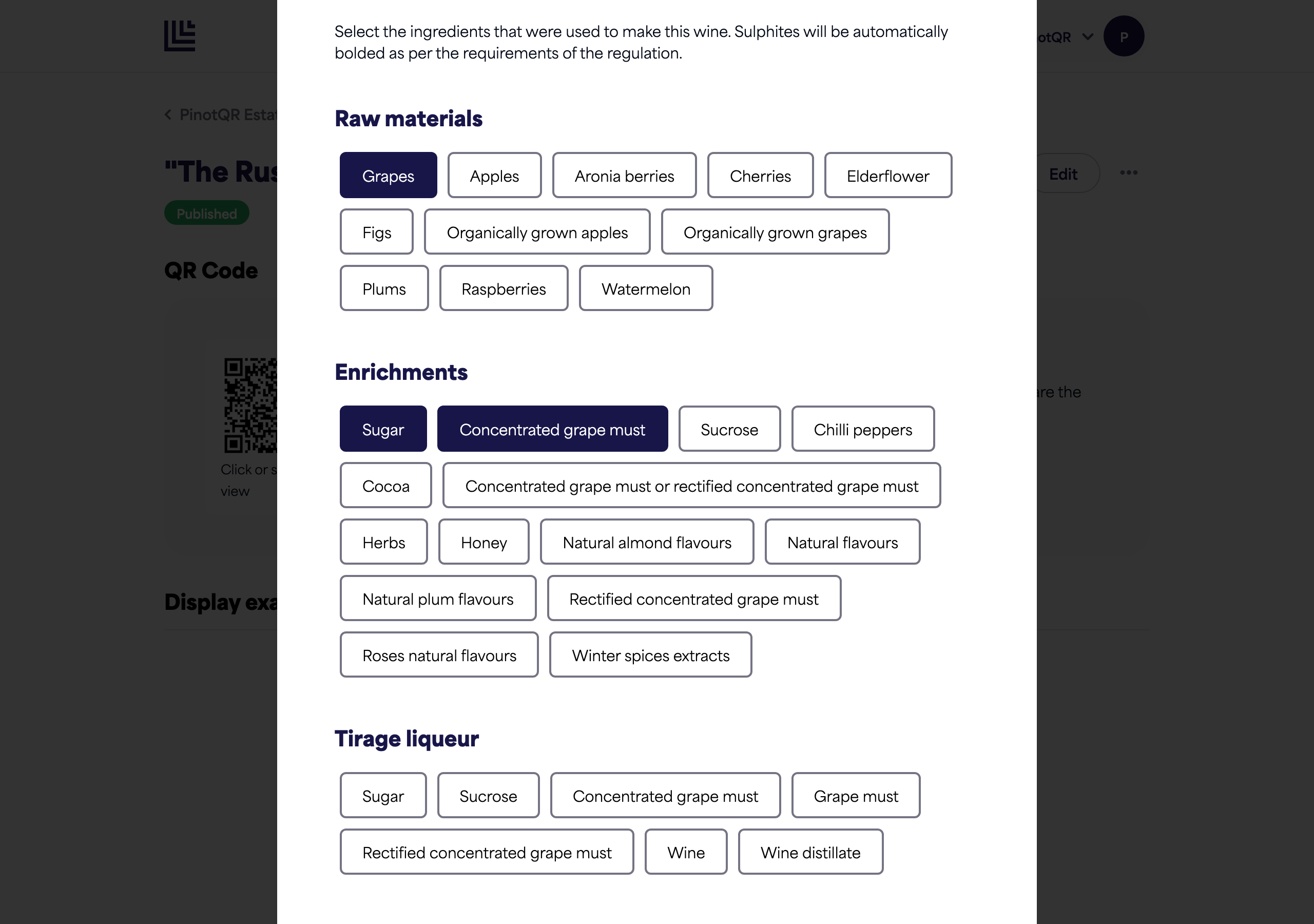
The Ingredients section is where you record what went into the wine. You select ingredients rather than typing them, and they’re grouped into categories that reflect the stages of winemaking (raw materials, preservatives, stabilizers, packaging gases, and so on).
Add ingredients
- In the Ingredients section, work through the categories.
- Select the ingredients that were used to make this wine.
Good to know
- Order matters. Ingredients must be listed in descending order of weight on the e-label, in line with Article 18 of Regulation (EU) 1169/2011 — organise your entries accordingly. You can click and drag ingredients within a category to reorder them.
- Sulphites are highlighted automatically. Any sulphites you add are bolded on the e-label, as the regulation requires — you don’t need to do anything extra.
- E numbers (for example, Malic acid — E 296) are shown only if you’ve enabled them in brand display settings.