Create your account
How to sign up for PinotQR and verify your email address.
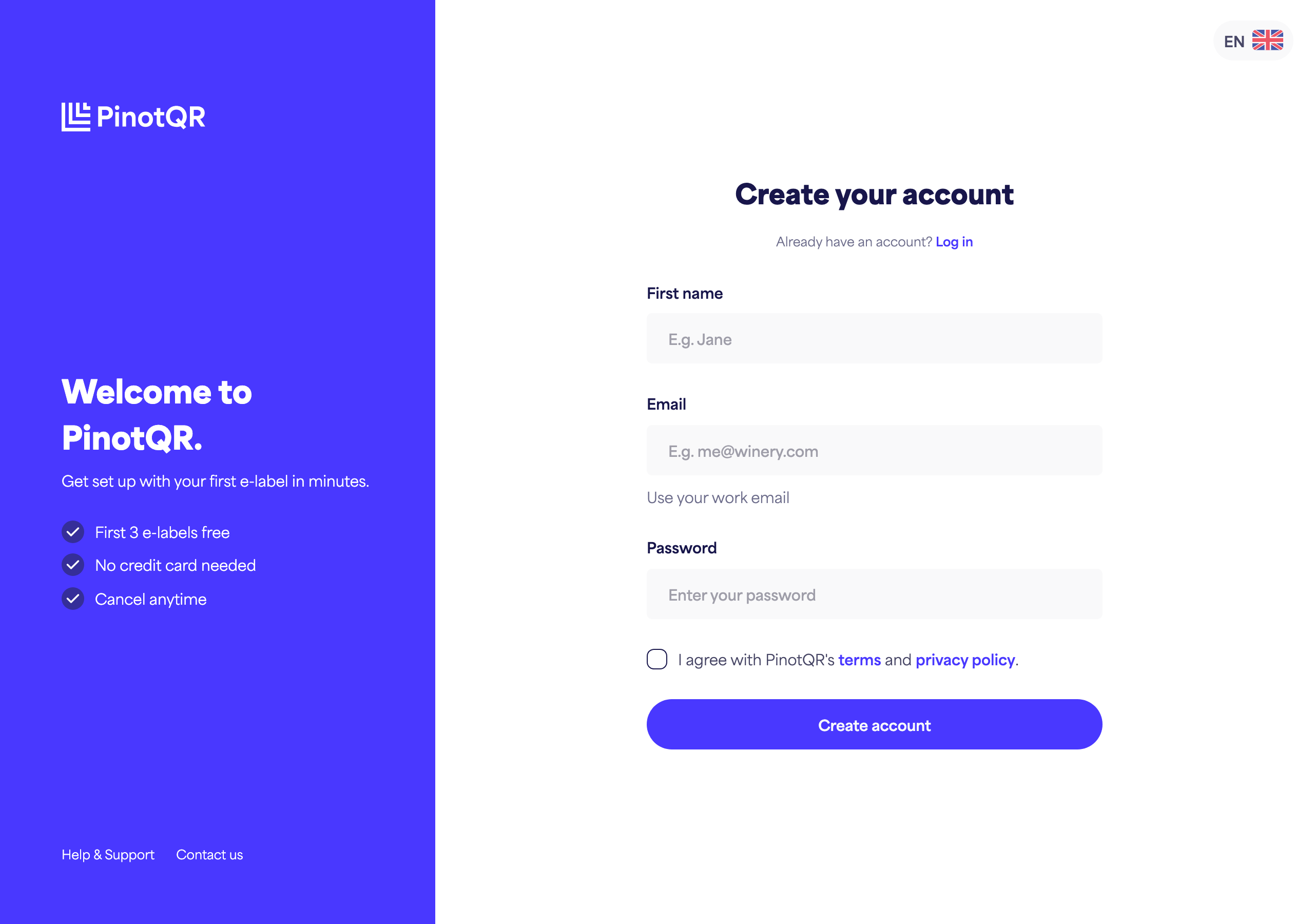
Creating a PinotQR account takes a minute. You’ll need your name, a work email address, and a password.
Sign up
- Go to the PinotQR sign-up page.
- Enter your First name.
- Enter your Email address. We recommend using your work email.
- Choose a Password. It must be at least 8 characters long and include at least one letter and one number.
- Tick the box to agree to the Terms and Privacy Policy.
- Click Create account.
If you see a message that the email is already in use, you may already have an account — try logging in instead.
Verify your email
After signing up, we send a confirmation email so we can activate your account.
- Open your inbox and look for the email titled “Activate your PinotQR account”.
- Click the activation link (or button) in the email.
- You’ll be returned to PinotQR with your account active.
Didn’t get the email? On the “Check your email” screen you can click Resend, or try a different email address. If it still hasn’t arrived after a few minutes, check your spam folder. If you still can’t find it, reach out to our support team and we’ll help you get set up.
Were you invited by a colleague?
If you followed an invitation link, your email is pre-filled for you — just add your name and password to join your team’s account.