Styling your brand
Add your logo, icon, and background colour so your e-labels match your brand.
You can customise how your e-labels look with your own logo, icon, and background colour. These settings apply to every e-label in the brand.
Note: Branding is a paid feature. On the free plan you’ll see an upgrade prompt in this section.
Open the branding settings
- Open the brand and click Settings.
- Find the Branding section.
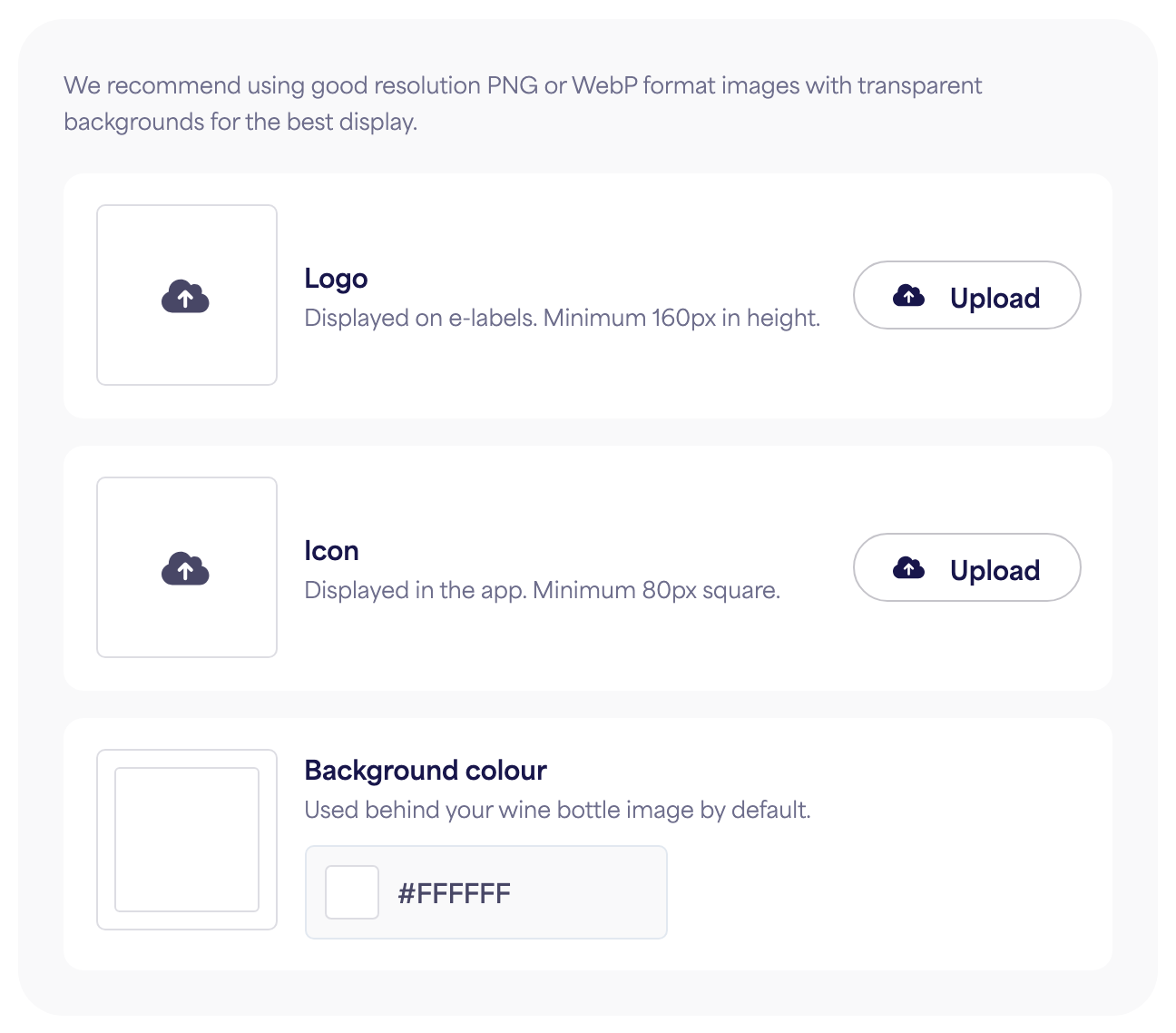
What you can set
- Logo — displayed on your e-labels. Use an image at least 160px tall.
- Icon — used only inside the app to help you tell your brands apart. It is not shown on your e-labels. Use an image at least 80px square.
- Background colour — sets the default colour shown behind your wine bottle image on every e-label in the brand. You can override it for any individual e-label when you want a different colour.
For logos and icons, we recommend a good-resolution PNG or WebP with a transparent background for the best display.
Save
Click Save changes. Updates apply to your existing e-labels instantly — no need to republish.